Small tag.
Clearer picture.
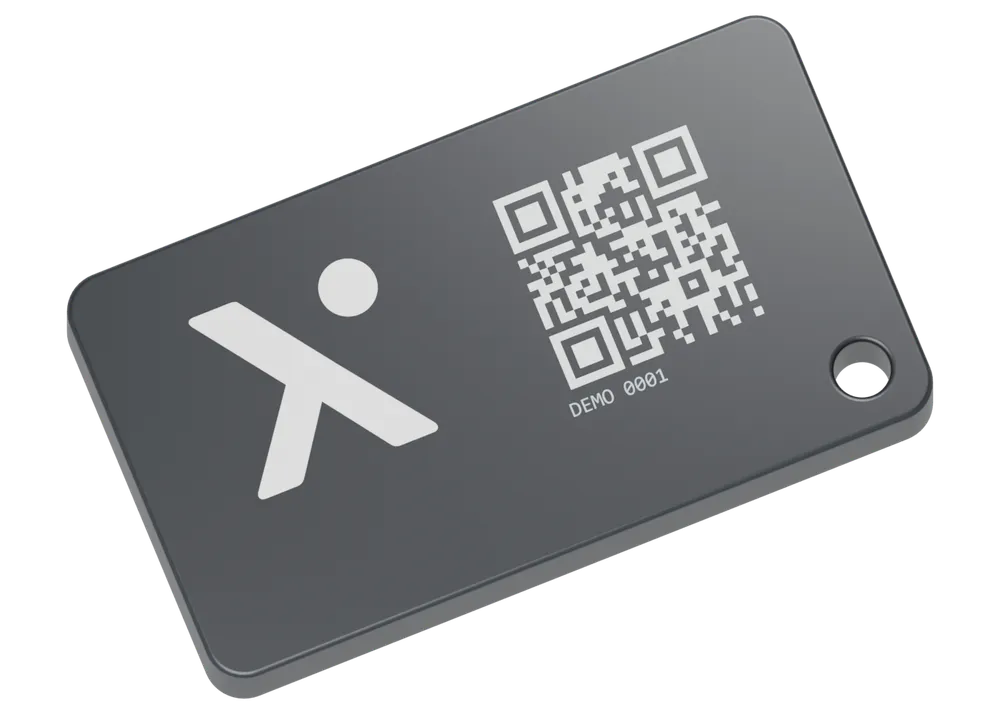
A small, rectangular TraaX BLE tag that sits close to your kit. IP68 dust and water resistance for tools and machines, with five-year battery life and a replaceable battery.
BLE broadcast every 5 seconds
IP68 dust and water resistance
Five years. Replaceable battery.
Less to catch.
More kit connected.
A small rectangular footprint, with a very low profile. It sits close to the surface so it is less likely to snag or get knocked off as equipment moves through the day.
Small enough to sit quietly on your kit
A footprint of roughly a few centimetres, for tools, cases and machines. The fitting illustration gives a sense of scale.
Ready to stay on the machine
IP68 dust and water resistance lets you leave the tag on your equipment. Choose a suitable fixing and a position that avoids direct impacts.
Five years, then a fresh battery
Five-year battery life with a replaceable battery, so you can keep the tag with the asset for the long term.
What’s nearby?
- Plate compactor
- Laser level
- Generator
Scan animation ready.
On site?
Start nearby.
Open the TraaX app to scan for tagged equipment around you. See which assets are being detected nearby, then open the record for the item you need.
Check the equipment around you
Useful at a yard, in a van or across a working site, wherever a tag can be detected.
Keep the sighting in context
Nearby detection and last seen history help narrow your search. BLE does not provide a precise GPS position for the tag itself.
Your tags, nearby detections and asset records come together in TraaX.
More than
a dot on a map.
Know what the equipment is, where it was last seen and what your team needs to know about it.
Notes that stay with the asset
Record condition, handovers and useful details against the equipment, so the next person has the context.
Photos with a purpose
Keep identification and condition photos with the record. Make it easier to recognise the right item on site.
Maintenance in the same place
Keep maintenance notes and inspection history alongside the asset’s last seen information.
Plate compactor
PC-012
- Last seen
- North yard Today, 09:42
- Detected by
- TraaX app
Latest note
Guard checked before handover. Return to the equipment store after use.
The rest of your
operation, connected.
Use the right tracking approach for each part of your operation. BLE tags help with nearby equipment; vehicle and plant tracking cover different needs.
Give your equipment a place in the picture.
See how BLE tags, the TraaX app and your tracking setup can work together. Talk to us about the equipment you need to keep in view.